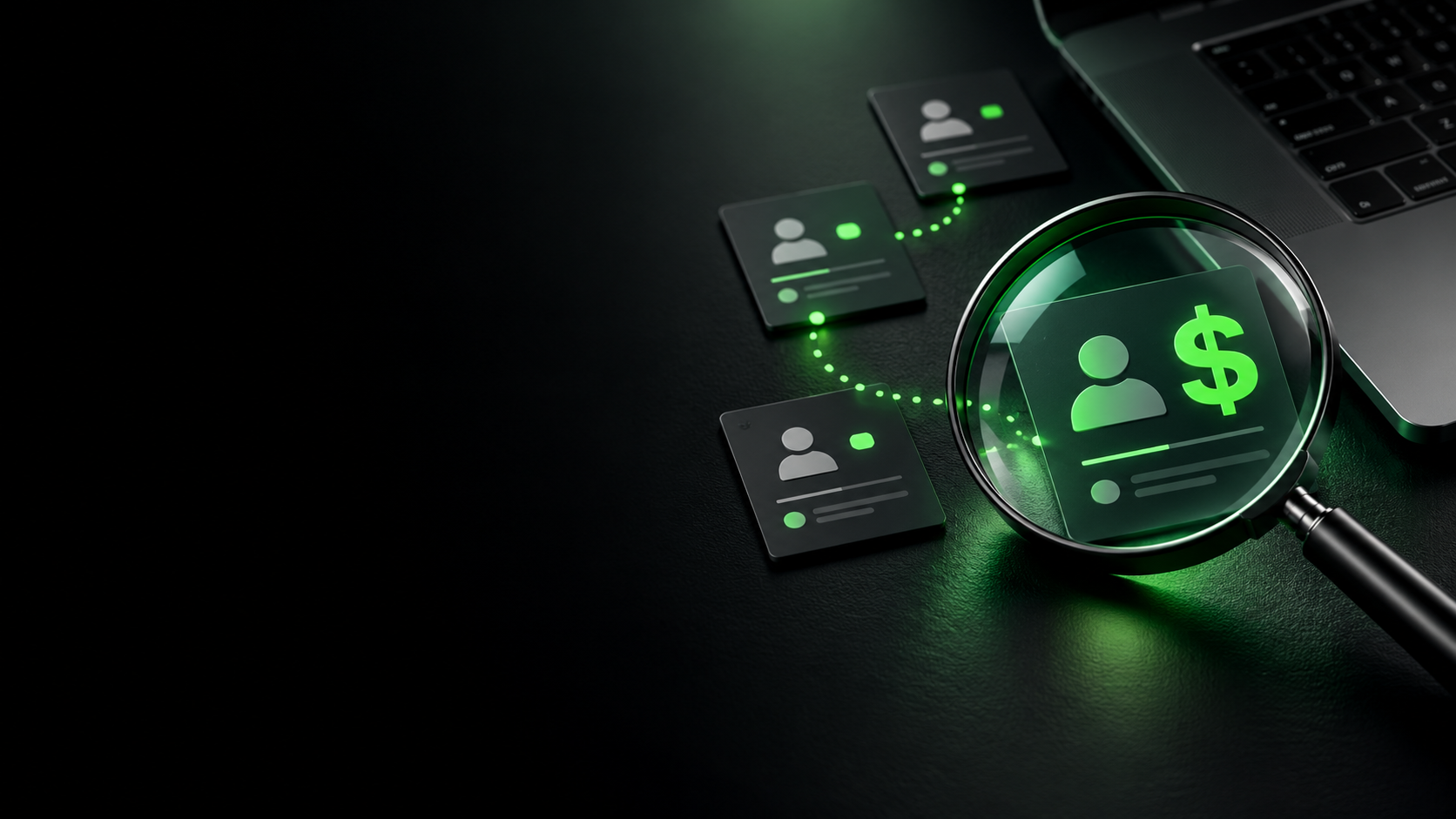
AI tools can save your team hours. But when they connect to company email, files and customer systems, does your business know what access has been granted?
An employee finds an AI tool that promises to make their working day easier. It can summarise emails, find documents or prepare follow-ups after meetings.
They select “Connect”, sign in with their work account and approve the requested permissions, where company settings allow it.
The tool is ready to help. But who checked what it can access?
For a business owner or manager, that is an increasingly important part of adopting AI: understanding which systems are connected, what information is available and what the tool is authorised to do.
A useful connection deserves a closer look
Connecting AI to business systems can bring real benefits. Staff can spend less time searching for information, repeating data entry and moving between applications.
Those connections also need oversight.
Depending on the tool and permissions granted, access might include reading emails, searching shared documents or retrieving customer details. Some integrations can also send messages, update records or trigger workflows.
An assistant that finds information and an agent that takes action require different levels of control. Before approving a connection, businesses need to understand both.
The permission can be bigger than the task
Imagine an employee connecting an AI assistant to prepare a summary of a customer project.
The task sounds straightforward. But does the connection cover only the relevant project folder, or a much wider collection of documents? Can it read information only, or make changes too?
If the employee already has unnecessarily broad access to company files, a tool working through that account may inherit that reach. Other integrations use permissions granted directly to the application. The details matter.
A legitimate tool can still be given more access than its job requires.
Businesses should also understand how the provider handles connected information, including what it retains and what happens when the service is disconnected.
Start with five questions
Before connecting an AI tool to company systems, ask:
- What is being connected? Identify the tool, the work account and the business systems involved.
- What can it access? Review the information and permissions required for the task.
- What can it do? Distinguish between reading information and sending, changing or deleting it.
- Who approves its use? Establish a clear process, including human approval for sensitive actions.
- Who reviews the connection? Assign responsibility for checking activity and removing access when it is no longer needed.
A simple approval process gives employees a practical route to using helpful tools while keeping the business informed.
Secure the systems AI connects to
For businesses using Outlook, Teams, SharePoint and OneDrive, the underlying Microsoft 365 environment is an important place to start.
GenesysTel’s Managed Microsoft 365 provides expert management, security configuration and ongoing support for the platform your team uses every day.
Well-managed accounts, sensible sharing settings and appropriate access controls provide a stronger foundation for introducing connected tools. Existing permissions deserve attention alongside any new AI connection.
The next conversation with your IT partner should cover the tools employees want to use, the systems they need and the controls appropriate to your environment.
Keep security monitoring in the picture
Reviewing access is one part of protecting a connected business. Detecting suspicious activity and responding to threats also matters.
GenesysTel’s Managed Security Operations Centre provides 24/7 security monitoring, threat detection and incident response. Its Cybersecurity as a Service combines security technology with ongoing monitoring and expert oversight.
The monitoring available for a particular AI connection depends on the systems, logs and controls included in the service. It should sit alongside permission reviews and clear rules for approved use.
Make AI part of your technology plan
Giving employees a clear way to use AI helps the business benefit from their initiative. Start by finding out what is already connected, reviewing access and agreeing who takes responsibility.
The next time someone says they have connected an AI assistant to save time, your business should be able to answer the next question:
Connected to what, and with permission to do what?
Speak with GenesysTel about Managed Microsoft 365 and cybersecurity services to help strengthen the systems your business relies on. Call 1300 836 500 or email info@genesystel.com.au.