- 1300 836 500
Simplify your phone system with Microsoft Teams and enterprise-grade voice connectivity
microsoft Teams
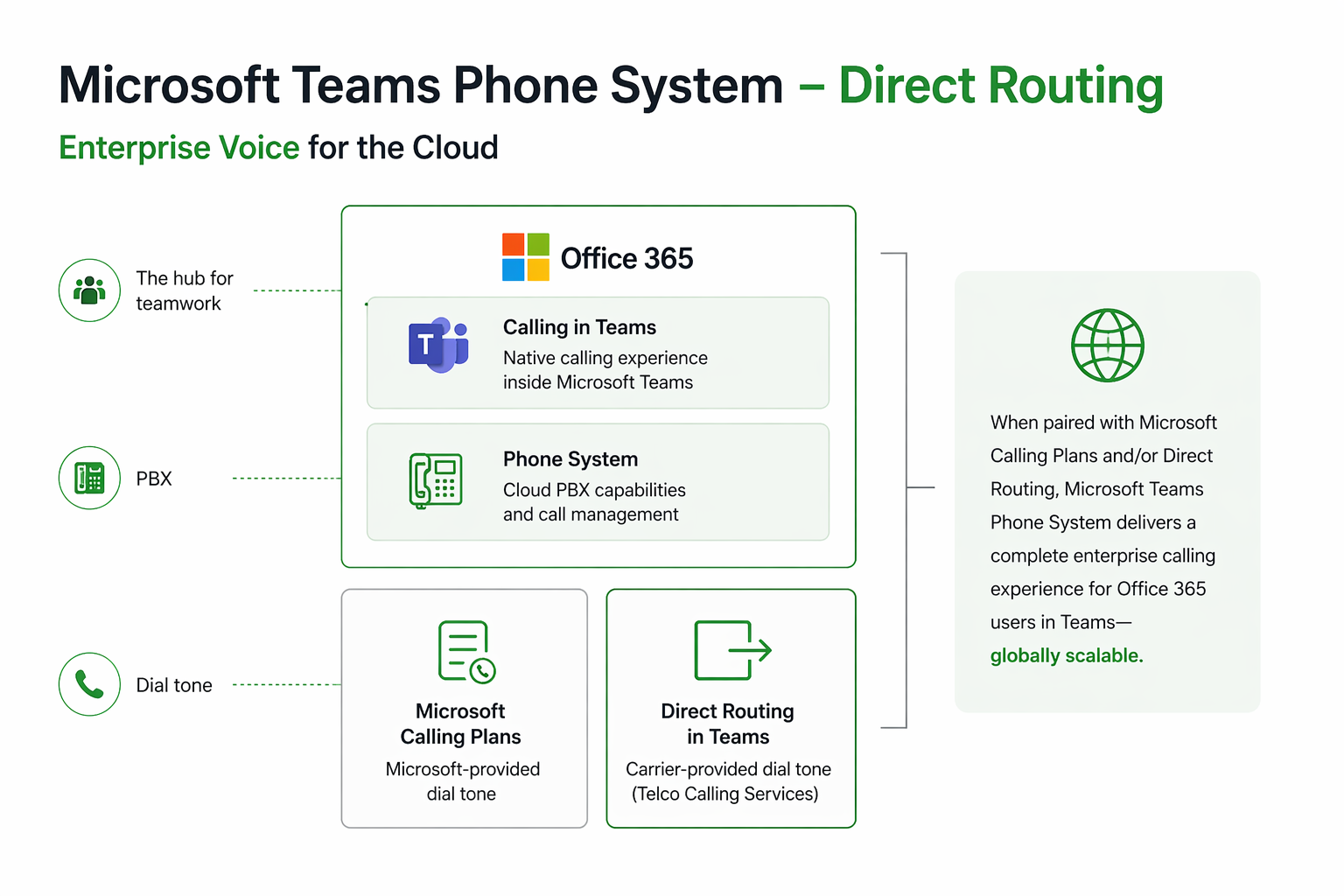
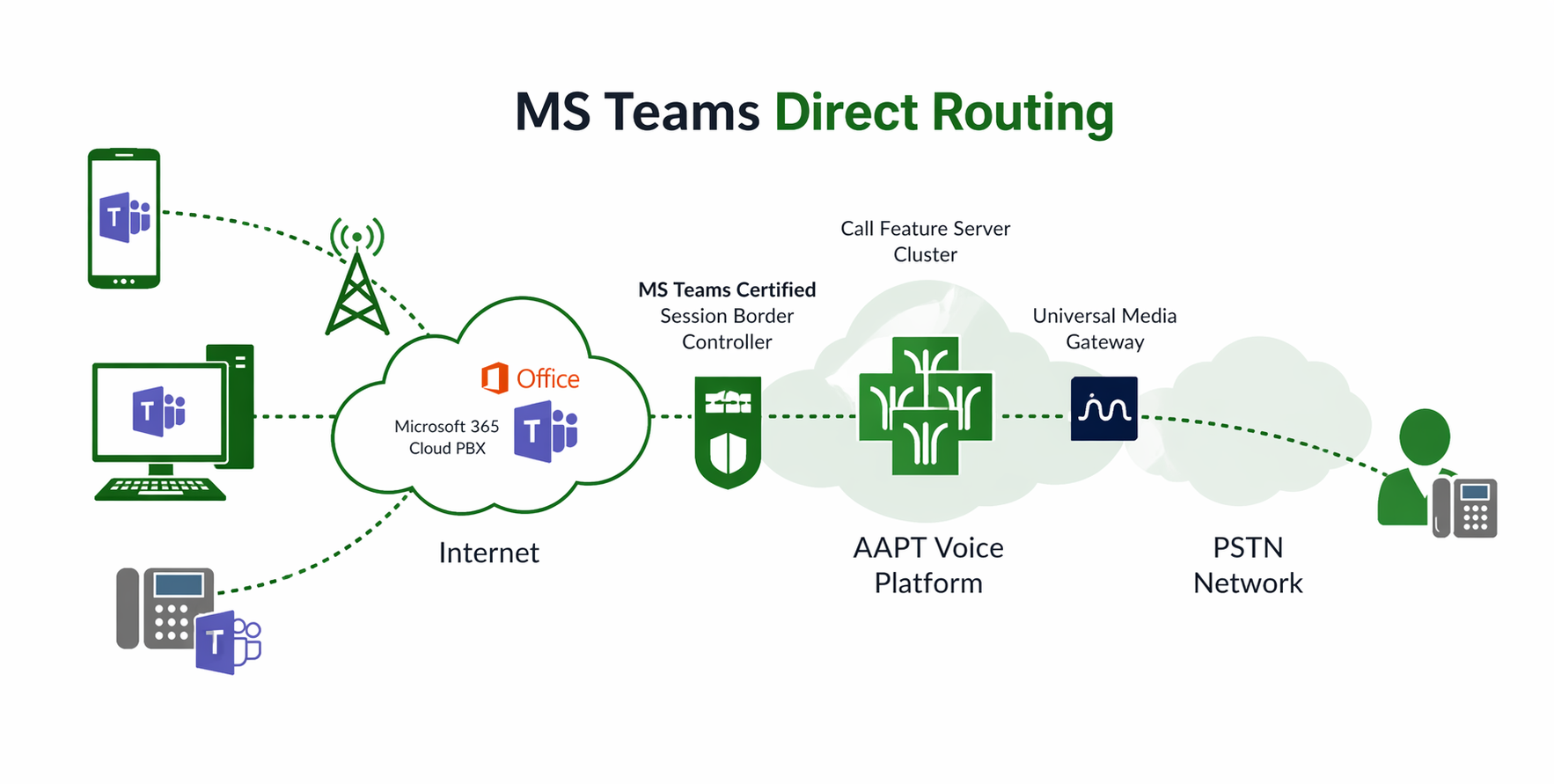
SIP Voice for Microsoft Teams enables seamless connectivity between Microsoft’s Cloud PBX and the public phone network, eliminating the need for on-premises infrastructure like SBCs.
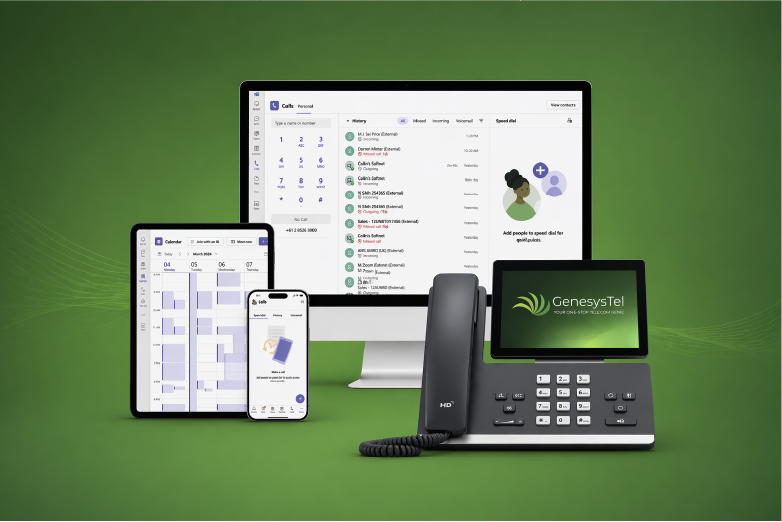
Use Microsoft Teams across any device (PC, laptop, tablet, or mobile) and pair with a compatible headset to create a fully functional business phone system, without the need for traditional handsets.
Stay connected through calls, chat, and meetings, all within a single platform, while enabling seamless collaboration across your Microsoft 365 environment.
Reduce spend by consolidating voice into Microsoft Teams and removing the need for legacy phone systems and separate infrastructure.
Connect Microsoft Teams directly to the public telephone network without complex on-premise hardware or additional systems.
Quickly add or remove users, channels, and calling capacity as your business grows or changes.
Make and receive business calls across desktop, mobile, or handset, keeping your team connected wherever they work.
Deliver clear, reliable voice performance backed by carrier-grade infrastructure and intelligent routing.
Manage users, numbers, and call settings within Microsoft Teams for a simpler, more efficient admin experience.
This diagram illustrates how Microsoft Teams integrates with the carrier voice network via direct routing, enabling secure call delivery, flexible scaling, and reliable performance.
MICROSOFT TEAMS NATIVE CALLING
Enable true enterprise voice within Microsoft Teams using Direct Routing. GenesysTel connects your Microsoft Teams Phone System to the public telephone network, delivering a complete, cloud-based calling solution.
Replace traditional PBX systems with a fully integrated solution, bringing calling, collaboration, and call management into a single platform within Microsoft 365.
Whether you’re enabling new users or migrating from legacy systems, GenesysTel makes it simple to deploy, manage, and optimise your Teams calling environment.